Product configurator – Front-end call stack
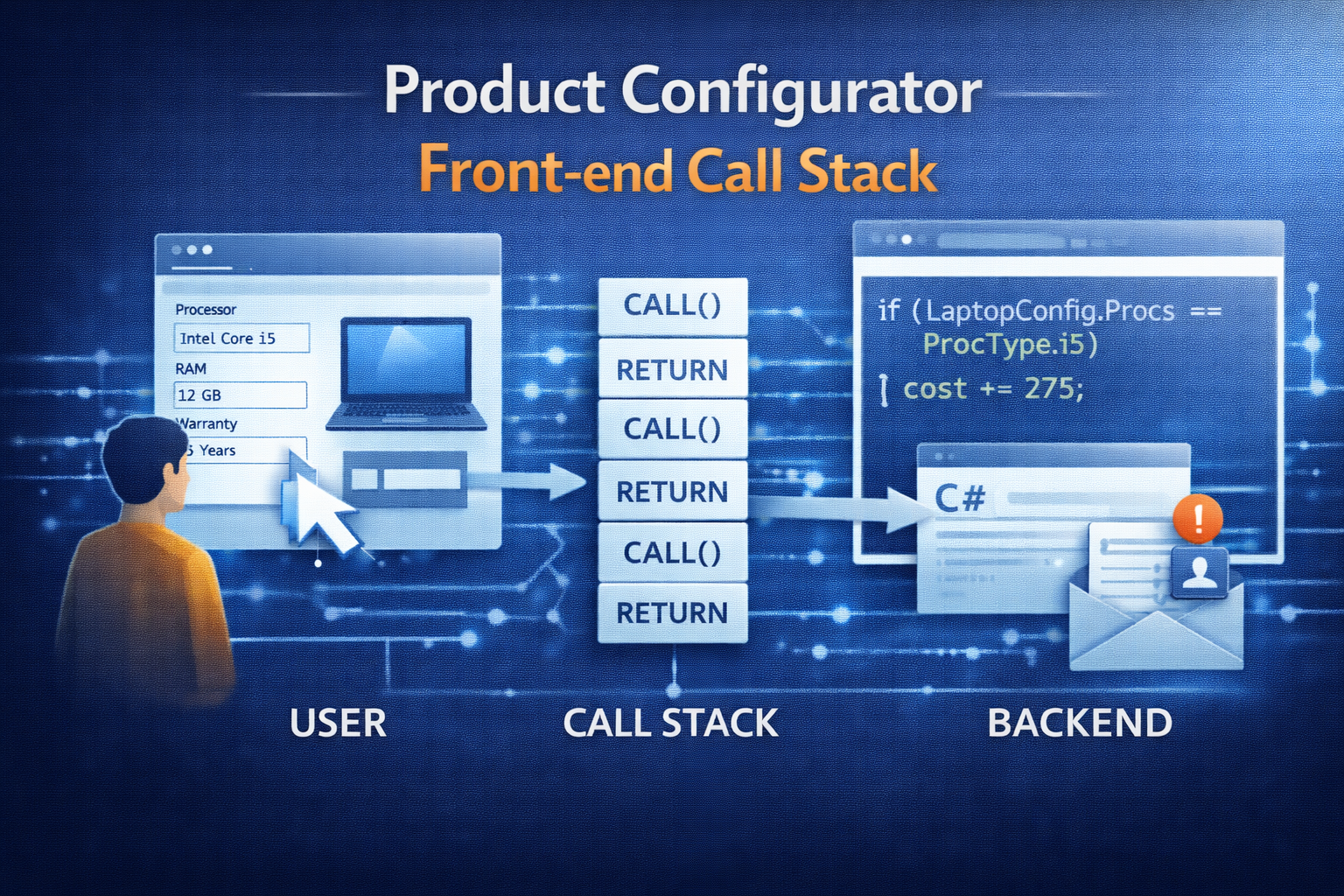
Instantiate and load front-end
1. Starting Point
- Called by PCExecuteVariantConfiguration
- Form PCRuntimeConfigurator
- Class PCRuntimeConfiguratorFormFactory.create
2. First the model is loaded into an XML
- PCRuntimeLibrary::getModelXMLIL –> Only Model, no values (Values come only in Step 4.)
- Calls PCXmlSessionWriterModel.writeModel
- Calls PCXmlSessionWriterComponent.write
- Calls PCXmlSessionWriterComponentAttribute.write
3. Using the .Net Class is used to process the xml
- Microsoft.Dynamics.Ax.Frameworks.Controls.ProductConfiguration.Iconfigurator
- Instantiated in PCRuntimeConfigurator.loadModel
4. Assign Values to front-end
- Triggered by PCRuntimeConfigurator.loadAttributeValues()
- PCConfigurationLoader.runIL
- PCConfigurationLoader.loadValues
5. Frontend-Handlers
- The Font-End calls PCRuntimeUIConfigurator.userSelectedValue to assign user selected values to front end.
Save front-end results
1. Front-end returns XML
- Processed by PCXMLParse… classes
- e.g. PcXmlParseComponentAttribute.parseIL (modified for config description – hidden attributes)
2. XML Parser returns PCAdaptor… classes that do the further processing
- PCAdaptorVisitorConfigurationReuse: handle reusability of configurations
- PCAdaptorComponent.createReuseConfiguration
- PCAdaptorComponent.reuseConfigurationExists()
- PCAdaptorVisitorBOMGeneration: create BOM
3. Finally update the Sales Line
- PCExecuteVariantConfiguration.updateDemandSourceDocumentLine

Leave a Reply