
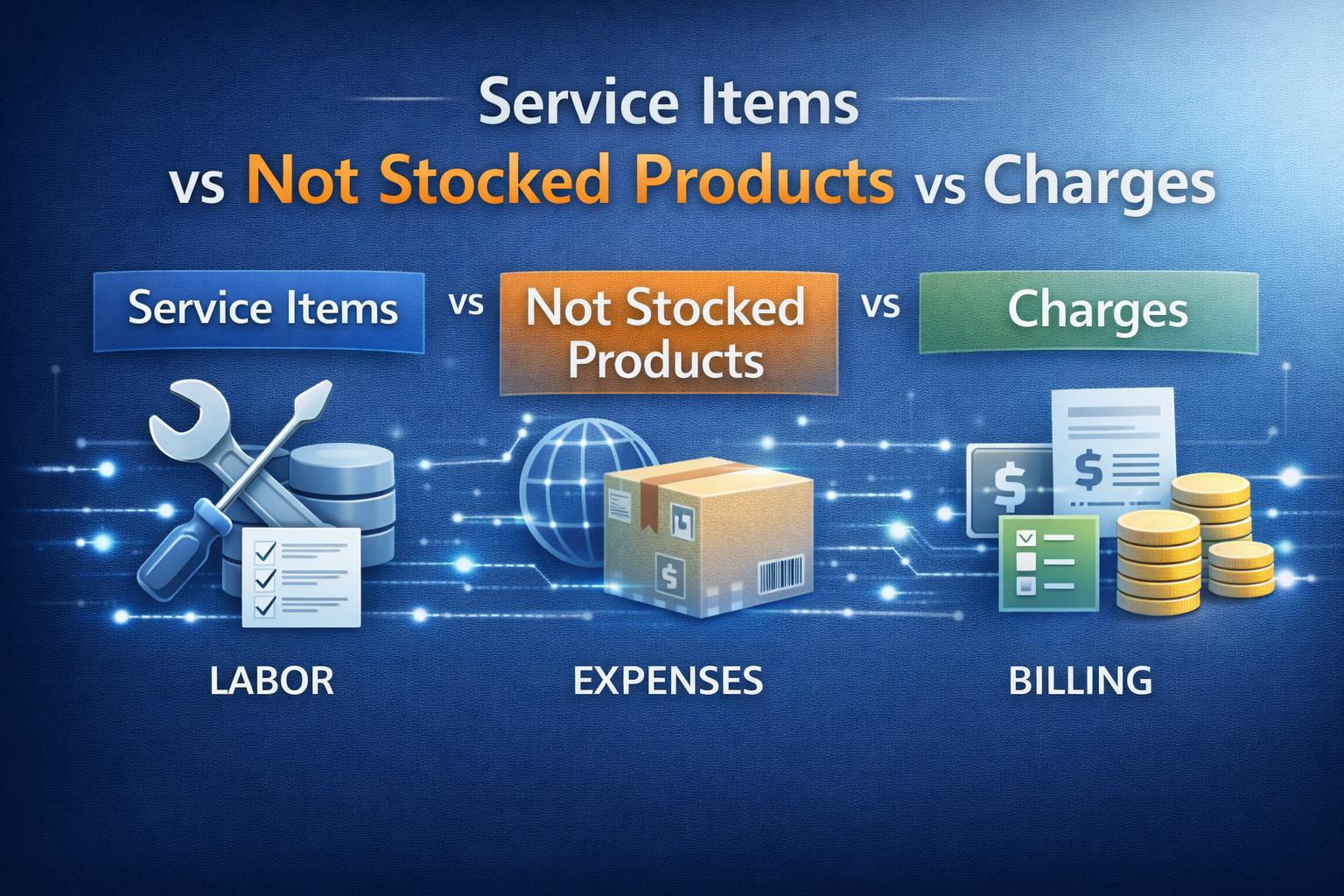
In AX 2012 the Item model group property Stocked product was introduced.

The not stocked products (i.e. products with Stocked product = No) lie somewhere between Service items (i.e. products with Product type = Service) and Charges, without providing a clear distinction between types. Here a comparison with the primary disadvantages highlighted:
| Service item | Not stocked product | Charge | |
|---|---|---|---|
| Product type | Service | Item or Service | n/a |
| Item model group – Stocked Product | Yes | No | n/a |
| Add to BOM/production | Yes | No | No |
| Inventory transactions | Yes | No | No |
| Inventory on hand | No | No | No |
| Automatic addition to order | No | No | Yes |
| Integrate in Product Release Workflows / PLM | Yes | Yes | No |
| Visibility during order entry | Normal | Normal | Reduced |
| Texts printed on reports | Normal | Normal | Reduced |
| SO Picking | Optional | No | No |
| SO Packing | Optional | Included in quantity setting “Picked quantity and not stocked product” | No |
| SO Invoice | No quantity setting to include service items that have not been picked or packed | No quantity setting to include service items that have not been picked or packed | Automatic |
| Advanced Warehousing | No | No | No |
| Consequences | |||
| Why does it exist? | For Services and item without stock levels (or with uncounted stock levels e.g. screws, water). They can be used like any product, however their use has no impact on stock levels and vice versa. | Unsure why this was introduced instead of fixing the disadvantages of the charges and service items | For Freight, Insurance, Packaging |
| Question: Find all uses of a product | Go to inventory transactions directly on item | No inquiry available directly from item | No direct inquiry available |
| Question: Find all non-stock/service products | Directly visible in released product list | More or less visible depending on the naming of the item model group – for a good overview add it to the grid as personalisation | Separate parameter forms |
| Unplanned use in BOM e.g. as proper component in manufacturing or as dummy component is sets | No problem | Not possible | Not possible |
| Change to normal stocked item | Not possible | Not possible | Not possible |
| Recommendations | |||
| Scenario 1: Probably as MS intended, less flexibility, no mod desired | Use service items only for items to be used in BOMs; do not allow sale of service items. | Use not stocked products for all sellable services. Note: Reporting cannot be based on InventTrans. | Can be replaced by not stocked products, however note that some standard features expect the use of charges e.g. e-Invoice (ITA) expects the Bollo to be a charge. ==> keep using charges for items that clearly have a charge character. |
| Scenario 2: More flexibility (Service items sold and used in BOMs. Separate items not desired.) | Only use service items. | Do not use not stocked products | Use as intended. |
Comments on the primary disadvantages
Service item – Picking and Packing requirements
Not stocked products are considered int the Quantity setting “Picked quantity and not stocked product”, i.e. they do not have to be picking. Service items do not have the corresponding setting, i.e. some way hast to be found to get the service items on the invoice
- Option 1: Workaround that includes the service items in picking.
- Option 2: Implement a modification to provide support for service items when in the Quantity setting “Picked quantity and not stocked product”
Not stocked product – no inventory transaction, can’t be added to BOM
As there are no inventory transactions the not stocked products cannot be added to a BOM, i.e. they cannot be used for floor stock or outside production service items. Reports based on (or inner-joining e.g. to get costs) InventTrans will not include these items.
Charges – reduced visibility during sales order entry, less texts
Users get used to the reduced visibility and printing of texts can be mitigated by adjusting the reports – still items on the sales order provide a more intuitive handling.
Further reading
- https://www.sikich.com/insight/how-to-set-up-floor-stock-in-dynamics-365-for-finance-and-operations/
- https://www.cloudfronts.com/stocked-product-in-item-model-group-dynamics-365-for-finance-operations/
- https://cloudblogs.microsoft.com/dynamics365/no-audience/2011/06/01/service-products-in-microsoft-dynamics-ax-2012/
Leave a Reply