Category: Development

  • Extend Map CustVendTrans

    Extend Map CustVendTrans

    Scenario

    New field MyNewField as NoYes on CustTrans and VendTrans

    Simple solution

    Obejcts

    Create method parmMyNewField on CustVendTans, CustTrans and VendTrans using Table code extensions.

    Usage

    custVendTrans.parmMyNewField(NoYes::Yes) will work fine if the record hast been inserted.

    Issue

    If custVendTrans has not yet been inserted a call to custVendTrans.parmMyFlag(NoYes::Yes) will result in the errors
    Error executing code: CustTrans table does not have method ‘parmMyNewField’.
    or
    Error executing code: VendTrans table does not have method ‘parmMyNewField’.

    Full Solution

    Extend the CustVendTransInterface class to properly handle mapped functions irrespective of the record being created or not.

    Objects

    • Create class MyCustVendTransInterface following plugin design pattern, decorated with [… ExportInterfaceAttribute]
      • Create sub-class MyCustTransCustVendTrans
        decorated with [… ExportMetadataAttribute(…CustTrans…), … ExportAttribute(…MyCustVendTransInterface…)]
      • Create sub-class MyVendTransCustVendTrans
        decorated with [… ExportMetadataAttribute(…VendTrans…), … ExportAttribute(…MyCustVendTransInterface…)]
    [Microsoft.Dynamics.AX.Platform.Extensibility.ExportInterfaceAttribute]
    public abstract class MyCustVendTransInterface
    {
        CustVendTransInterface custVendTransInterface;
    
        private void initializeCustVendTransInterface(CustVendTransInterface _custVendTransInterface)
        {
            custVendTransInterface = _custVendTransInterface;
        }
    
        public CustVendTrans parmCustVendTrans()
        {
            return custVendTransInterface.parmCustVendTrans();
        }
    
        protected void new()
        {
        }
    
        public static MyCustVendTransInterface createInstance(CustVendTransInterface _custVendTransInterface)
        {
            SysPluginMetadataCollection metadataCollection = new SysPluginMetadataCollection();
    
            metadataCollection.SetManagedValue(classStr(MyCustVendTransInterface), tableId2Name(_custVendTransInterface.parmCustVendTrans().tableId));
            MyCustVendTransInterface instance = SysPluginFactory::Instance(identifierStr(Dynamics.AX.Application), classStr(MyCustVendTransInterface), metadataCollection);
    
            instance.initializeCustVendTransInterface(_custVendTransInterface);
    
            return instance;
        }
    
        public NoYes parmMyNewField(NoYes _myNewField= NoYes::No)
        {
            return _myNewField;
        }
    }
    
    [System.ComponentModel.Composition.ExportMetadataAttribute(classStr(MyCustVendTransInterface), tableStr(CustTrans))
        ,System.ComponentModel.Composition.ExportAttribute('Dynamics.AX.Application.MyCustVendTransInterface')]
    public class MyCustTransCustVendTrans extends MyCustVendTransInterface
    {
        private CustTrans parmCustTrans()
        {
            return this.parmCustVendTrans();
        }
    
        public NoYes parmMyNewField(NoYes _myNewField = this.parmCustTrans().MyNewField)
        {
            CustTrans   custTrans = this.parmCustTrans();
            custTrans.MyNewField = _myNewField;
            return custTrans.MyNewField;
        }
    }
    
    [System.ComponentModel.Composition.ExportMetadataAttribute(classStr(MyCustVendTransInterface), tableStr(VendTrans))
        ,System.ComponentModel.Composition.ExportAttribute('Dynamics.AX.Application.MyCustVendTransInterface')]
    public class MyVendTransCustVendTrans extends MyCustVendTransInterface
    {
        private VendTrans parmVendTrans()
        {
            return this.parmCustVendTrans();
        }
    
        public NoYes parmMyNewField(NoYes _myNewField = this.parmVendTrans().MyNewField)
        {
            VendTrans   vendTrans = this.parmVendTrans();
            vendTrans.MyNewField = _myNewField;
            return vendTrans.MyNewField;
        }
    }
    
    • Optional: create extenstion class CustVendTransInterface_My_Extension
      to provide simple access to the newly created class MyCustVendTransInterface
    [ExtensionOf(classStr(CustVendTransInterface))]
    final class MyCustVendTransInterfaceCls_Extension
    {
        private MyCustVendTransInterface MyCustVendTransInterface;
    
        public MyCustVendTransInterface MyCustVendTransInterface()
        {
            if (!MyCustVendTransInterface)
            {
                MyCustVendTransInterface = MyCustVendTransInterface::createInstance(this);
            }
    
            return MyCustVendTransInterface;
        }
    }
    

    Usage

    //if extension CustVendTransInterface_My_Extension implemented
    MyCustVendTransInterface myCustVendTransInterface = CustVendTransInterface::createInstance(custVendTrans).myCustVendTransInterface()
    //if extension CustVendTransInterface_My_Extension not implemented
    MyCustVendTransInterface myCustVendTransInterface = MyCustVendTransInterface::createInstance(CustVendTransInterface::createInstance(custVendTrans))
    //access field
    myCustVendTransInterface.parmMyNewField(NoYes::Yes);
    

    Final notes

    Microsoft documents the extension of maps here:
    Extend table maps that are used as interfaces
    However the example SalesPurchTable they are using has a special attribute class to decorate the methods (SalesPurchTableInterfaceFactoryAttribute. The example here is both more generic and simpler.

  • Electronic Reporting on DEVBox

    Electronic Reporting on DEVBox

    If you do not have a connection to LCS on your DEVBox you can still access the new Microsoft definitions by doing the following:

    Download the definitions from LCS

    https://lcs.dynamics.com/V2/SharedAssetLibrary

    “DOWNLOAD ALL” in LCS

    Extract in DEVBox

    C:\Temp\SolutionRepository

    Extract LCS ZipFile to C:\Temp\SolutionRepository

    Add File System Repository

    https://usnconeboxax1aos.cloud.onebox.dynamics.com/?cmp=USMF&mi=ERWorkspace

    Edit the Microsoft Repositories
    Add a “File system” repository. NOTE: This requires the debugger – see next step.

    Debugger required

    Set breakpoint in ERSolutionImportRepository::getTypes() and use the debugger to add the ERSolutionFileSystemRepository type.

    Import local definitions

    Open the newly added file system repository
    Import the desired definitions – or import all if you like.
  • Find Datatypes (updated)

    Find Datatypes (updated)

    Update of my old script to D365

    class FindEDT
    {
        public static void main(Args _args)
        {
            #AOT
            Dialog              dialog = new Dialog('Find EDT');
            str                 searchString;
            DialogField         dialogField = dialog.addField(extendedTypeStr(MCRSearchText), 'Search string');
            boolean             stopAfterFound;            
            ;
            if(dialog.run())
            {
                searchString = dialogField.value();
                if(!strScan(searchString, "*", 1, 999)) //no "*"
                {
                    searchString = "*" + searchString + "*";
                }
                else if(strKeep(searchString,"*") == "*" && subStr(searchString,strLen(searchString),1)=="*") //just one final "*": beginns with
                {
                    stopAfterFound = true;
                }
                info(strfmt("Find %1",searchString));
                if(searchString)
                {
                    setPrefix('Extended Data Types');
                    FindEDT::searchNodes(#ExtendedDataTypesPath, searchString, stopAfterFound);
                    setPrefix('Base Enums');
                    FindEDT::searchNodes(#BaseEnumsPath, searchString, stopAfterFound);
                }
            }
        }
        static void searchNodes(str _basePath, str _searchString, boolean _firstonly)
        {
            #AOT
            TreeNode            treeNode;
            TreeNodeIterator    treeNodeIterator;
            SysDictType         sysDictType;
            SysDictEnum         sysDictEnum;
            Boolean             found;
            ;
            treeNode = TreeNode::findNode(_basePath);
            treeNodeIterator = treenode.AOTiterator();
            treeNode = treeNode.AOTfirstChild();
            treeNode = treeNodeIterator.next();
            while(treeNode)
            {
                if(treeNode.treeNodeName() like "*" + _searchString + "*")
                {
                    if(_basePath == #ExtendedDataTypesPath)
                    {
                        sysDictType = sysDictType::newTreeNode(treeNode);
                    }
                    if(sysDictType)
                    {
                        if (sysDictType.extend() && sysDictType.enumId())
                        {
                            info(strfmt("%1 (%2 - %3 -> %4)",treeNode.treeNodeName(), sysDictType.baseType()
                                        , extendedTypeId2name(sysDictType.extend()), enumId2Name(sysDictType.enumId()) ));
     
                        }
                        if(sysDictType.extend())
                        {
                            info(strfmt("%1 (%2 - %3)",treeNode.treeNodeName(), sysDictType.baseType()
                                        , extendedTypeId2name(sysDictType.extend()) ));
     
                        }
                        else if (sysDictType.enumId())
                        {
                            info(strfmt("%1 (%2 - %3)",treeNode.treeNodeName(), sysDictType.baseType()
                                        , enumId2Name(sysDictType.enumId()) ));
     
                        }
                        else
                        {
                            info(strfmt("%1 (%2)",treeNode.treeNodeName(), sysDictType.baseType()));
                        }
                    }
                    else
                    {
                        info(strfmt("%1",treeNode.treeNodeName()));
                    }
                    found = true;
                }
                else if(_firstOnly && found)
                {
                    return;
                }
                treeNode = treeNodeIterator.next();
            }
        }
    }
    

    Run with the following link:

    https://usnconeboxax1aos.cloud.onebox.dynamics.com/?cmp=usmf&mi=SysClassRunner&cls=FindEDT

  • Deep links available in every form

    Deep links available in every form

    Ievgen Miroshnikov gave me the idea and Microsoft also has some information here.

    The following extends the standard button available in every Dynamics 365 for Finance and Operations form to provide the deep link to the currently select record of the primary form data source.

    Copy the link and share it. The recipient will jump directly to the currently selected record.

    (I wonder why Microsoft doesn’t provide this in standard D365FO – this is actually what you would expect from the button.)

    Snap079660

    using Microsoft.Dynamics.AX.Framework.Utilities;
    using Microsoft.Dynamics.@Client.ServerForm.Contexts;
    
    /// <summary>
    /// The class <c>URLUtility_Extension</c> contains extension methods for the <c>URLUtility</c> class.
    /// </summary>
    [ExtensionOf(classStr(URLUtility))]
    public static class URLUtility_Extension
    {
    public static str generateRecordUrl(str _menuItemName, MenuItemType _menuItemType, DataSourceName _dataSourceName, Map _indexFieldValuesMap, DataAreaId _dataAreaId = curExt())
    {
    System.Uri host                     = SessionContext::Get_Current().Get_RequestUrl();
    UrlHelper.UrlGenerator generator    = new UrlHelper.UrlGenerator();
    generator.MenuItemName              = _menuItemName;
    generator.MenuItemType              = _menuItemType;
    generator.HostUrl                   = host.GetLeftPart(System.UriPartial::Path);
    generator.Company                   = _dataAreaId;
    generator.EncryptRequestQuery       = true;
    
    if (_dataSourceName && _indexFieldValuesMap)
    {
    MapEnumerator mapEnumerator = _indexFieldValuesMap.getEnumerator();
    
    var requestQueryParameterCollection = generator.RequestQueryParameterCollection;
    
    while (mapEnumerator.moveNext())
    {
    requestQueryParameterCollection.UpdateOrAddEntry(_dataSourceName, mapEnumerator.currentKey(), mapEnumerator.currentValue());
    }
    }
    
    return generator.GenerateFullUrl().AbsoluteUri;
    }
    
    public static str generateRecordUrlFromDataSource(FormDataSource _formDataSource)
    {
    FormRun         formRun         = _formDataSource.formRun();
    str             menuItemName    = formRun.args().menuItemName();
    MenuItemType    menuItemType    = formRun.args().menuItemType();
    DataSourceName  dataSourceName  = _formDataSource.name();
    
    TableId   tableId   = _formDataSource.table();
    DictTable dictTable = new DictTable(tableId);
    DictIndex dictIndex = new DictIndex(tableId, dictTable.primaryIndex());
    
    int     fieldCount          = dictIndex.numberOfFields();
    Map     indexFieldValuesMap = new Map(Types::String, Types::String);
    Common  record              = _formDataSource.cursor();
    FieldId primaryKeyFieldId;
    
    for (int fieldIndex = 1; fieldIndex <= fieldCount; fieldIndex++)
    {
    primaryKeyFieldId = dictIndex.field(fieldIndex);
    
    indexFieldValuesMap.insert(fieldId2Name(tableId, primaryKeyFieldId), any2Str(record.(primaryKeyFieldId)));
    }
    
    return URLUtility::generateRecordUrl(menuItemName, menuItemType, dataSourceName, indexFieldValuesMap, record.DataAreaId);
    }
    
    public static str generateUrl(FormRun formRun)
    {
    str url = next generateUrl(formRun);
    
    if (formRun && formRun.dataSource(1) && formRun.dataSource(1).cursor())
    {
    url = URLUtility::generateRecordUrlFromDataSource(formRun.dataSource(1));
    }
    return url;
    }
    }
    
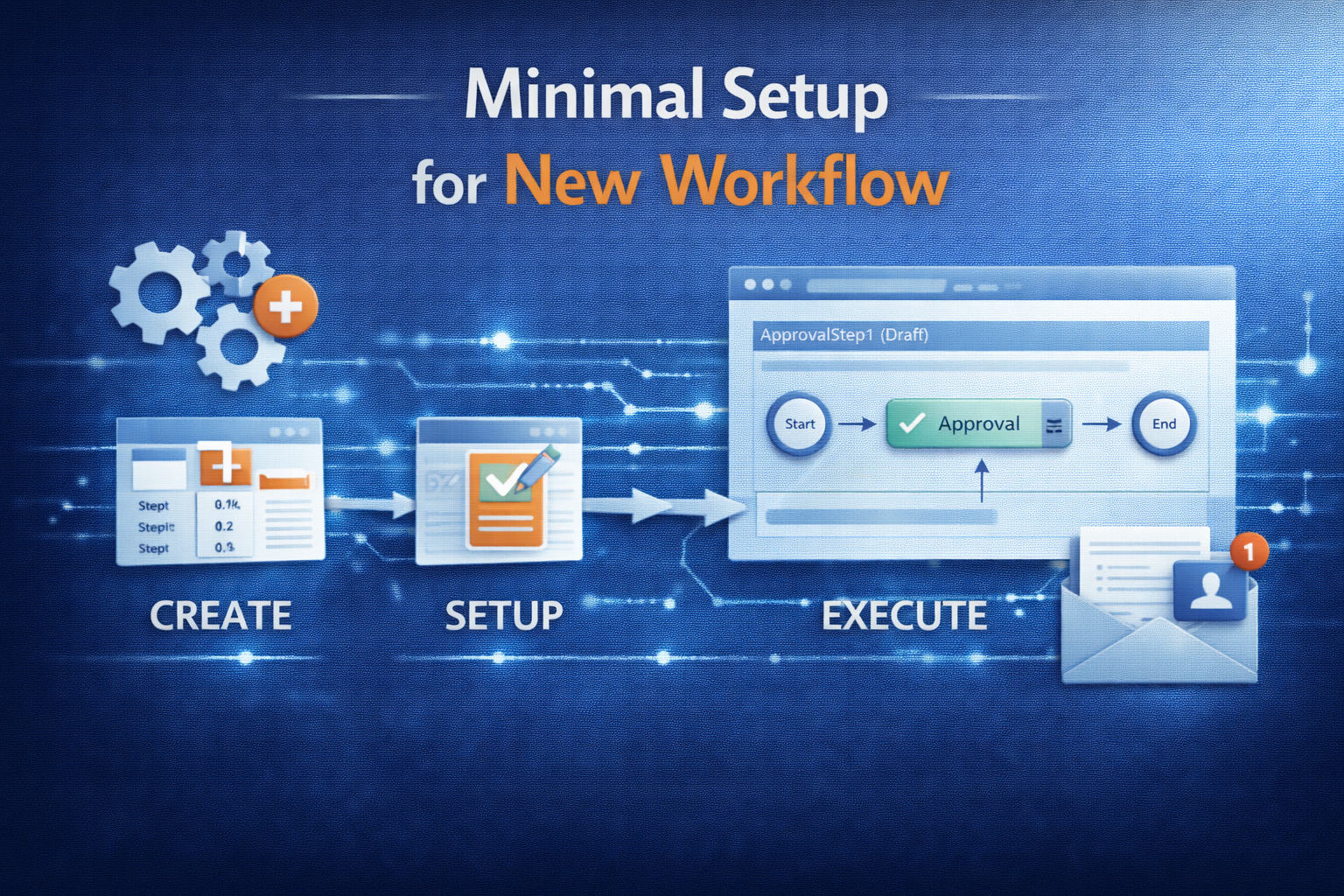
  • Minimal Setup for new Workflow

    Minimal Setup for new Workflow

    Sumit created nice overview of workflow-implementations in AX:

    Developing a new Workflow

    The section below describes briefly, the process of developing a new workflow.

    Overview

    To develop a new workflow, following artifacts or objects need to be created / modified:

    • Workflow Categories
    • Workflow Templates
    • Workflow Query (Document)
    • Workflow Approvals and Tasks (Tasks are optional)
    • Enabling the workflows on the form
    • Workflow submission classes

    Let us go through each of these artifacts one by one:

    Create Workflow Categories

    A workflow category defines the module in which the workflow will be available. Modules are defined by the SysModule enum. You will be doing following here:

    • Create a new category in workflow categories node (AOT>>Workflow>>Workflow Categories)
    • Specify the name and module to which it belongs

    Create Workflow Templates (AX 2012: Workflow Types)

    A workflow template brings all the different elements of the workflow together. Workflow configurations are created based on a template, and many configurations can be based on the same template. The template defines which actions are allowed and which are required.

    You will be doing following here:

    • Create a new template in the workflow templates node (AOT>>Workflow>>Workflow Templates) (AX 2012: AOT>>Workflow>>Workflow Types)
    • Specify a name and category to which it belongs

    Next we create a work flow document.

    Create Workflow Document

    A query defines what tables are used to determine that a workflow can be initiated. Here you will do the following

    • Create a new query (AOT>>Queries)
    • Specify a name and Add required tables to the data source.
    • Create a new class extending from WorkFlowDocument class (AOT>>Classes)
    • Override the method getQueryName and return the name of newly created query
    • Save the class
    • Once query and its supporting class is created, attach this to Workflow template (Specify it under the Document property of template; AX 2012: type)

    Next step is to attach Approvals and / or Tasks

    Create Workflow Approvals (or Tasks):

    An approval route may contain a number of outcomes. It may be approved, rejected, returned or a change may be requested (For task it will be complete, reject or request change). The Workflow Approval element determines which of these outcomes is allowed and what happens in the event of each outcome. Each outcome can trigger specific code by specifying a menu item for each item. Do the following to create an approval

    • Create a new approval object in the Approvals node. (AOT>>Workflow>>Approvals)
    • Specify a unique name for the approval
    • Specify the Document (The class created for query) in the Document property
    • Specify ParticipantProvider. Normally you specify WorkflowUserGroupParticipantProvider, but you can create your own participant provider. (Missing in AX 2012)
    • Specify DueDateProvider. Normally you specify WorkflowWorkCalendarDueDateProvider, but you can create your own due date provider. (Missing in AX 2012)
    • Specify HierarchyProvider. Normally you specify WorkflowLimitHierarchyProvider, but you can create your own hierarchy provider. (Missing in AX 2012)
    • Set the DocumentMenuItem to form menu item where you want the workflow to appear (Example sales order etc.)
    • Approval Outcomes:
      • Use a standard class that acts as an engine for all approval outcomes
      • You are not required to do anything but set the workflow to applicable outcomes, therefore call the same class from different menu items. The menu items simply allow you to use two different labels. In more complex workflows it may be necessary to override or copy and modify this class rather than use it directly. Example: If you have to set an outcome for Approved do the following:
        1. Create a new Action type menu item and specify a name to it
        2. Set ObjectType property to Class and Object property to WorkflowWorkItemActionManager
        3. Now get to Workflow>>Approvals>>Approval_you_created>>Outcomes>>Approve node and specify ActionMenuItem as new menuitem created before.
        4. Repeat Step 2 for all the outcomes you need
      • If you do not need an outcome you can simply disable it by changing Enabled property to No
    • Once completed, drag and drop this approval (or task) into the previously created workflow template (AX 2012: Worfklow Type)

    Enable workflow on a form

    Now that the workflow template is defined, you can specify which forms will use this template. Do the following:

    • Add a WorkflowState field (More can be added by CreatedBy, Time, Status etc.) to the required table
    • In the desired form, go to the design node properties and set property WorkFlowEnabled to “Yes”, set the WorkFlowDataSource (the table of the previous step) and (AX 2012 only) set the WorkflowType as defined above.
    • If you want, you can override the method canSubmitToWorkflow on the form and specify conditions when user can submit the record to workflow

    After enabling the workflow on class, create a class to submit the records to workflow

    Create a Submit to Workflow class

    To submit a document to workflow, call standard code to prompt the user for a comment and to process the submission. (Look at PurchReqWorkflow class for an example)

    • After creating the submit to workflow class, create a corresponding action menu item
    • Now traverse to the workflow template (AX 2012: Worfklow Type) and specify this submit to workflow class menu item on the SubmitToWorkFlowMenuItem property
    • Once this is done you can then configure the workflow and test it. (You can refer the Workflows – Installation and Configuration document that I sent earlier for configuring the workflows)

    This will give you a broad idea as to what needs to be done for creating a workflow.

    Compile

    In AX 2012 it is required to update CIL before the Workflow can be configured.

    (updated for AX 2012 on 07/07/2014)

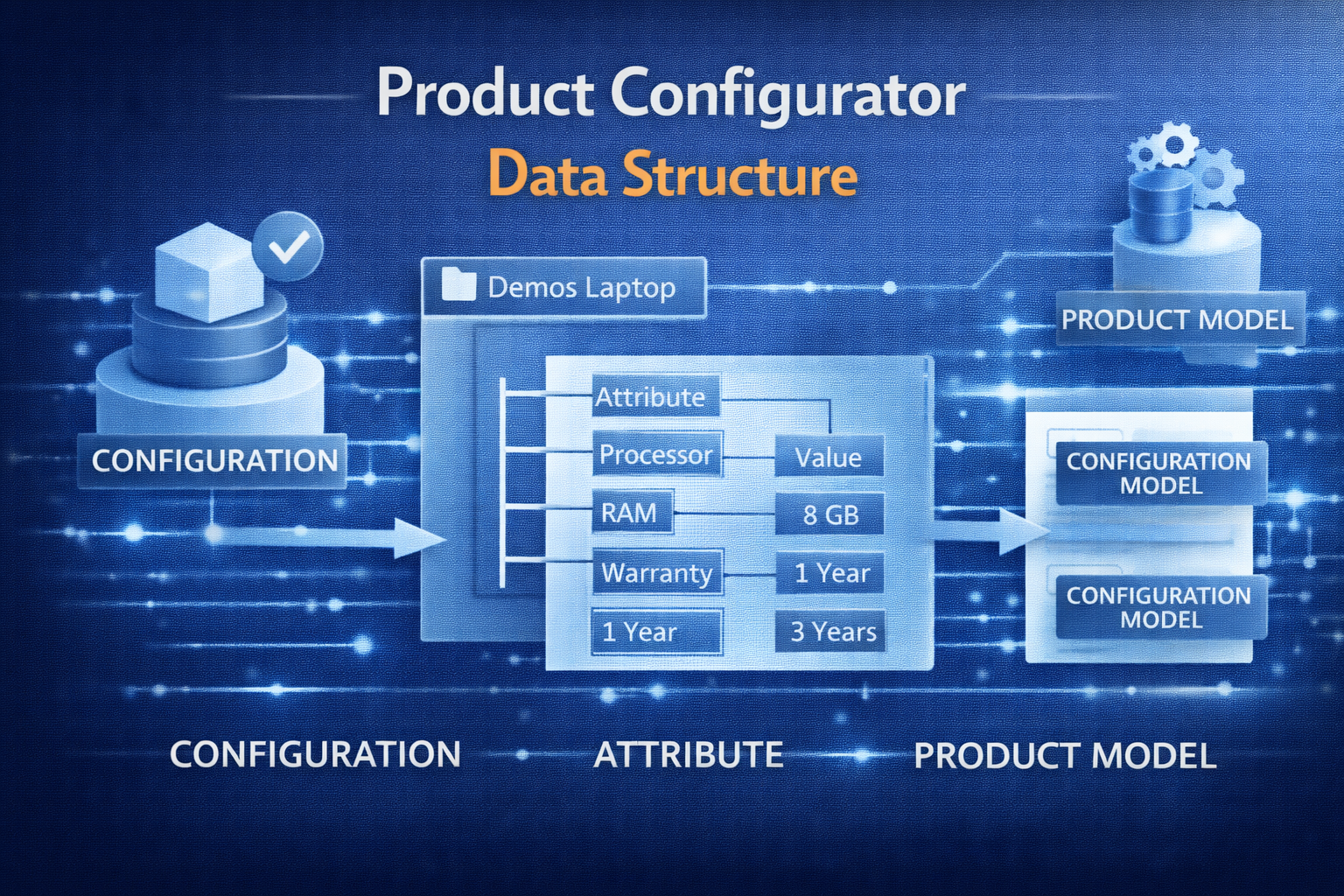
  • Product configurator data structure

    Product configurator data structure

    Even though AX 2012 uses the Microsoft Solver Foundation which is not directly accessible to a developer, all data is stored within AX and can be worked with at will. See the follow overview of the data structure:

    AX 2012 Product Configurator

    Note that most of the data is global, just the PCTemplateComponent table has company specific entries; the table is used for templates – as the name suggests – but also for the item references eg. for Configurator BOM lines.

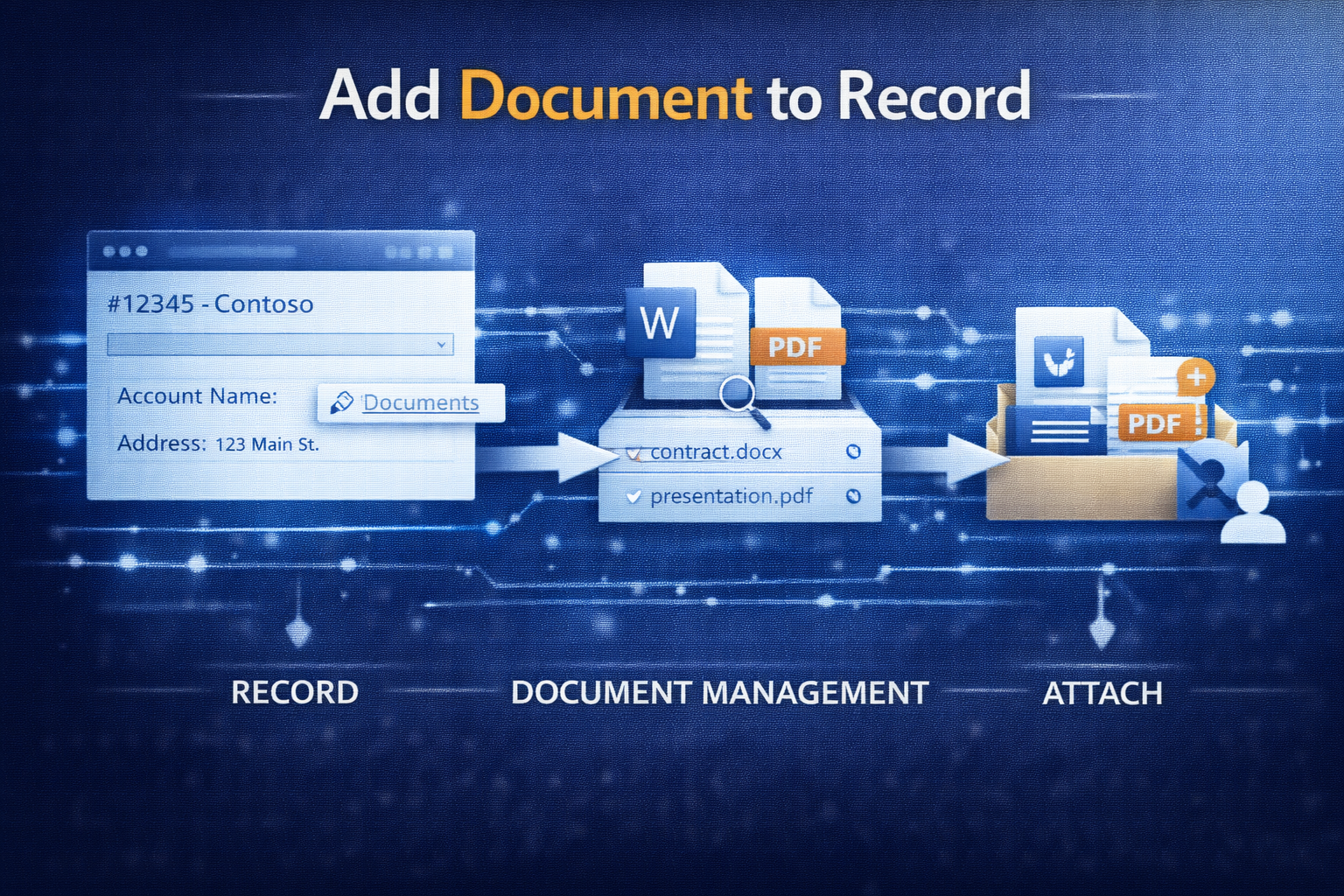
  • Add document to record

    Add document to record

    Simple code snippet to add a document attachment to a record:

    static void addDoc( Common common, DocuTypeId docuTypeId, FileName fileName)
    {
        DocuRef docuRef;
        DocuValue docuValue;
        if(common && docuTypeId)
        {
            ttsBegin;
            docuRef.clear();
            docuRef.initValue();
            docuRef.TypeId = docuTypeId;
            docuRef.Name = filename;
            docuRef.RefRecId = common.RecId;
            docuRef.RefTableId = common.TableId;
            docuRef.RefCompanyId = curext();
            docuValue.initFromDocuRef(docuRef);
            docuValue.insert();
            docuRef.ValueRecId = docuValue.RecId;
            docuRef.insert();
            ttsCommit;
            if(filename)
            {
                //after ttsCommit to enable catching of file system errors
                DocuValue::writeDocuValue(docuRef,filename);
            }
        }
    }
    
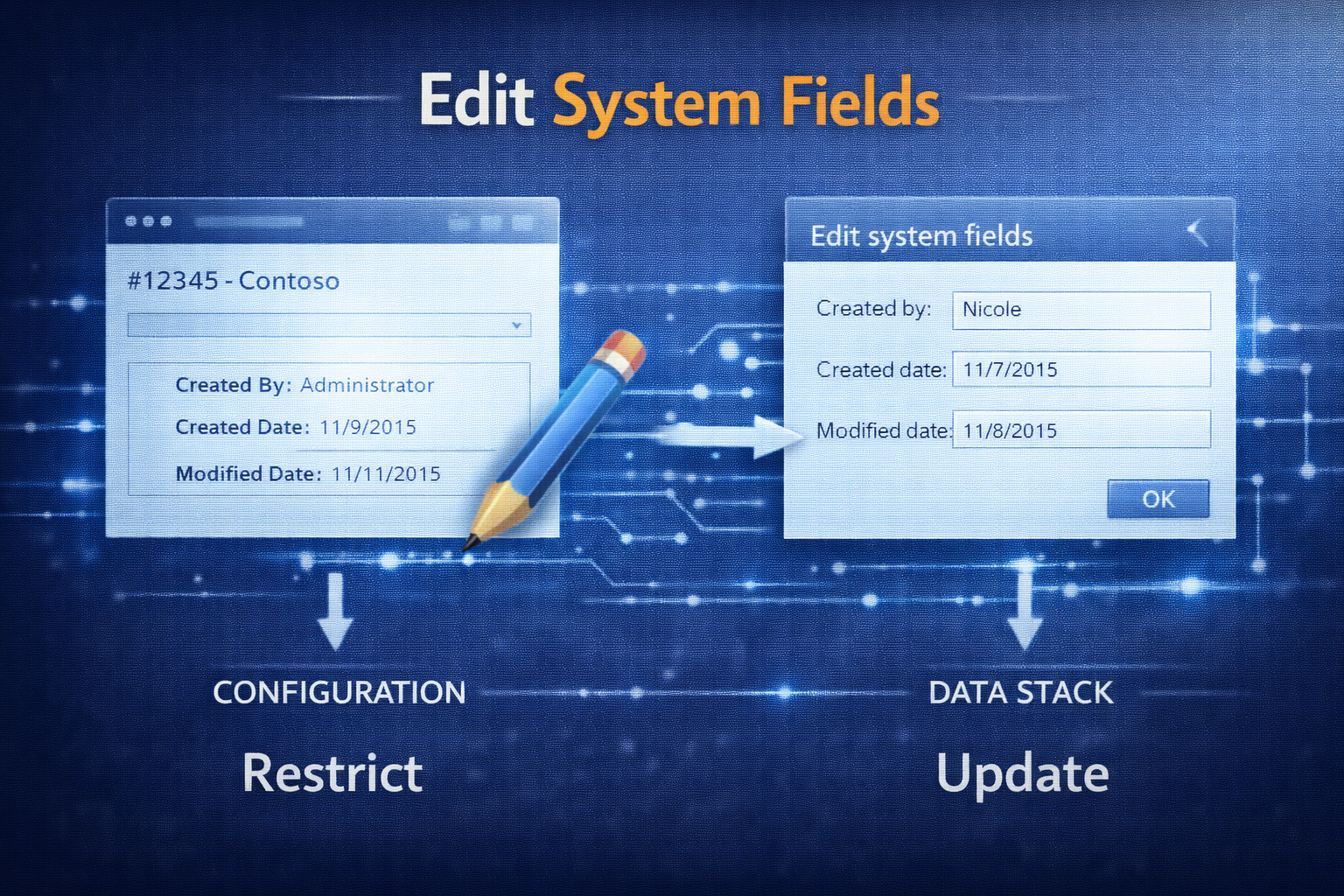
  • Edit System Fields

    Edit System Fields

    Simple example for creating a record with systems fields set by code:

    protected static server CaseLog createCaseLog(RefRecId _caseDatail, CreatedBy _createdBy, CreatedDateTime _createdDateTime)
    {
        CaseLog caseLog;
        if(_createdBy && _caseDatail)
        {
            caseLog.initValue();
            caseLog.CaseRecId = _caseDatail;
            new OverwriteSystemFieldsPermission().assert();
            caseLog.overwriteSystemfields(true);
            caseLog.(fieldNum(CaseLog,CreatedBy)) = _createdBy;
            caseLog.(fieldNum(CaseLog,CreatedDateTime)) = _createdDateTime;
            caseLog.doInsert();
            caseLog.overwriteSystemfields(false);
            CodeAccessPermission::revertAssert();
        }
        return caseLog;
    }
    
  • Show configuration on hand

    Show configuration on hand

    The constraint based configuration is saved in relation to the configuration-number (InventDim.ConfigId), however all you see in the On-Hand form is the number.

    If you want to see the full configuration that was entered by the user, you can add a simple button to the On-hand form (InventOnhandItem) and override the clicked() method with the following code:

    void clicked()
    {
        PCExecuteVariantConfiguration executeVariantConfiguration;
        ProdTable                     tmpProdTable;
    
        tmpProdTable.InventDimId = InventDim::findOrCreate(inventDim).InventDimId;
        tmpProdTable.ItemId      = InventSum.ItemId;
    
        if(PCRuntimeLibrary::isConstraintBasedConfigurable(InventSum.ItemId))
        {
            executeVariantConfiguration = PCExecuteVariantConfiguration::execute(tmpProdTable, InventSum.ItemId, inventDim.ConfigId);
        }
    }


    Result:

    Open configuration from the on-hand form
    Open configuration from the on-hand form
  • Showing hidden fields in the table browser

    Starting off with this blog, I had my own ideas how to add the hidden fields to the table browser with a significantly lower development footprint: Private Project_Table Browser_2012.xpo

    One hidden field:

    One hidden field

    Multiple hidden fields:

    More than one hidden field