Category: Product Configuration

  • Product configurator – Front-end call stack

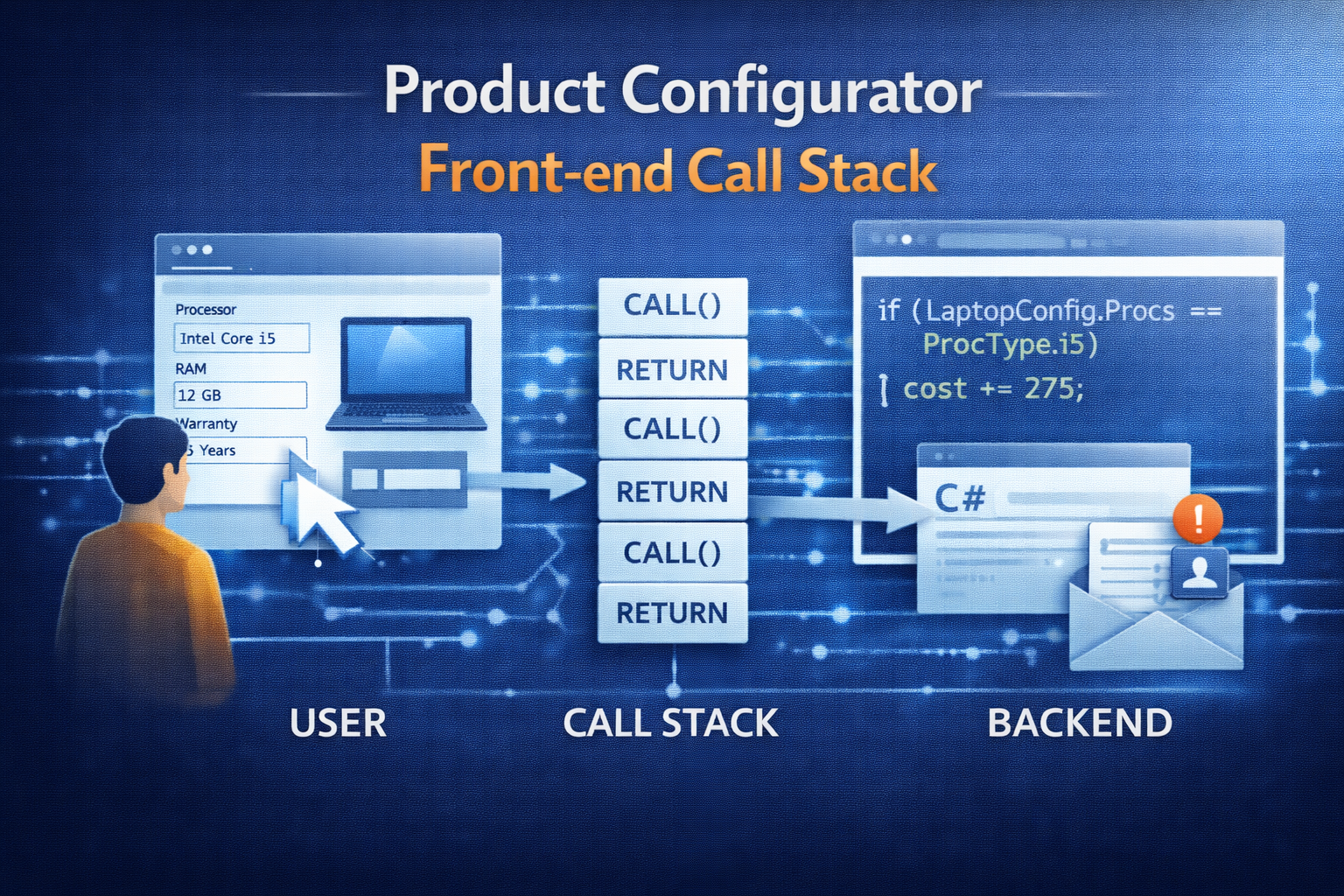
    Product configurator – Front-end call stack

    Instantiate and load front-end

    1. Starting Point

    • Called by PCExecuteVariantConfiguration
    • Form PCRuntimeConfigurator
    • Class PCRuntimeConfiguratorFormFactory.create

     2. First the model is loaded into an XML

    • PCRuntimeLibrary::getModelXMLIL –> Only Model, no values (Values come only in Step 4.)
    • Calls PCXmlSessionWriterModel.writeModel
    • Calls PCXmlSessionWriterComponent.write
    • Calls PCXmlSessionWriterComponentAttribute.write

    3. Using the .Net Class is used to process the xml

    • Microsoft.Dynamics.Ax.Frameworks.Controls.ProductConfiguration.Iconfigurator
    • Instantiated in PCRuntimeConfigurator.loadModel

    4. Assign Values to front-end

    • Triggered by PCRuntimeConfigurator.loadAttributeValues()
    • PCConfigurationLoader.runIL
    • PCConfigurationLoader.loadValues

    5. Frontend-Handlers

    • The Font-End calls PCRuntimeUIConfigurator.userSelectedValue to assign user selected values to front end.

    Save front-end results

    1. Front-end returns XML

    • Processed by PCXMLParse… classes
    • e.g. PcXmlParseComponentAttribute.parseIL (modified for config description – hidden attributes)

    2. XML Parser returns PCAdaptor… classes that do the further processing

    • PCAdaptorVisitorConfigurationReuse: handle reusability of configurations
      • PCAdaptorComponent.createReuseConfiguration
      • PCAdaptorComponent.reuseConfigurationExists()
    • PCAdaptorVisitorBOMGeneration: create BOM

    3. Finally update the Sales Line

    • PCExecuteVariantConfiguration.updateDemandSourceDocumentLine
  • Product configurator data structure

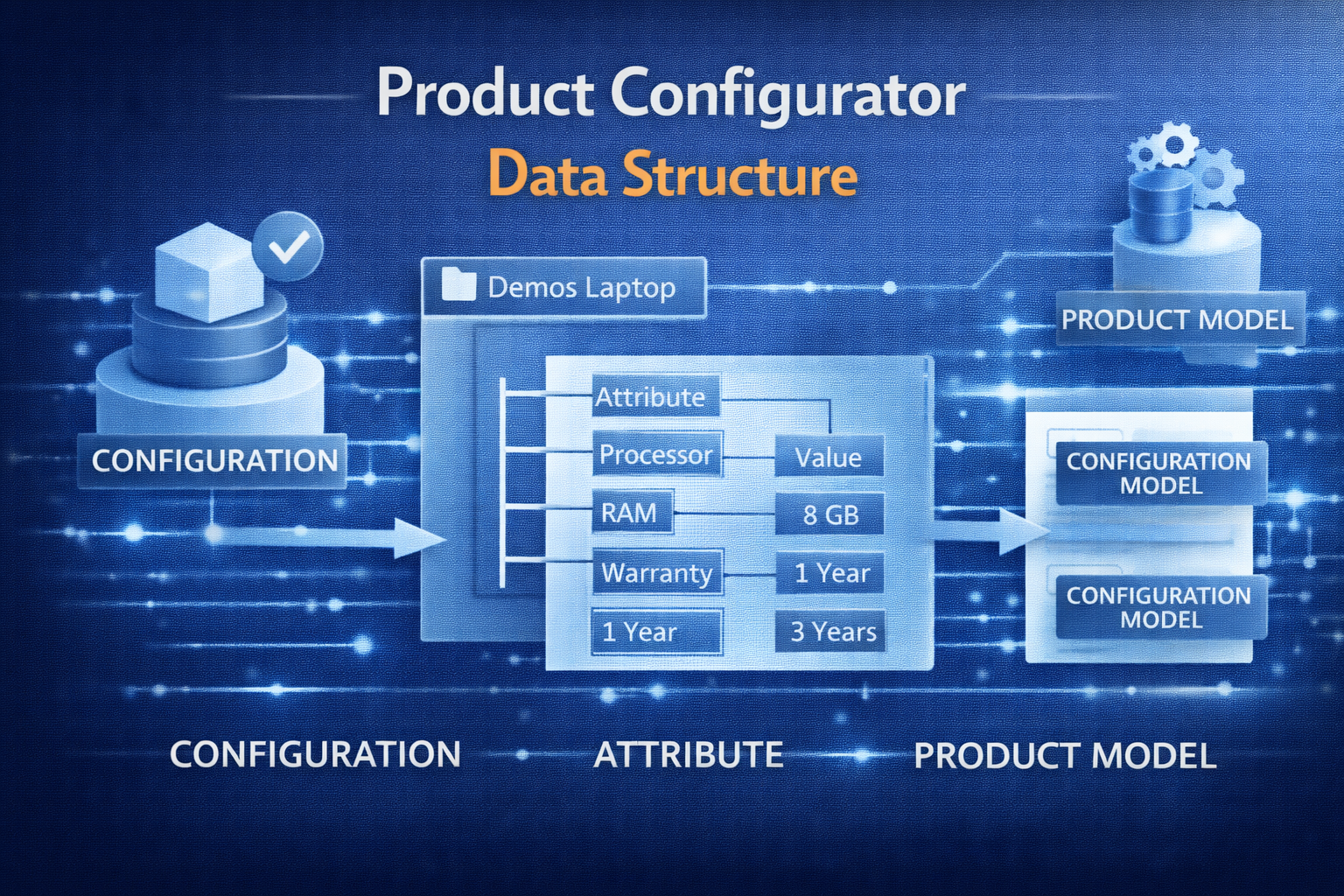
    Product configurator data structure

    Even though AX 2012 uses the Microsoft Solver Foundation which is not directly accessible to a developer, all data is stored within AX and can be worked with at will. See the follow overview of the data structure:

    AX 2012 Product Configurator

    Note that most of the data is global, just the PCTemplateComponent table has company specific entries; the table is used for templates – as the name suggests – but also for the item references eg. for Configurator BOM lines.

  • Show configuration on hand

    Show configuration on hand

    The constraint based configuration is saved in relation to the configuration-number (InventDim.ConfigId), however all you see in the On-Hand form is the number.

    If you want to see the full configuration that was entered by the user, you can add a simple button to the On-hand form (InventOnhandItem) and override the clicked() method with the following code:

    void clicked()
    {
        PCExecuteVariantConfiguration executeVariantConfiguration;
        ProdTable                     tmpProdTable;
    
        tmpProdTable.InventDimId = InventDim::findOrCreate(inventDim).InventDimId;
        tmpProdTable.ItemId      = InventSum.ItemId;
    
        if(PCRuntimeLibrary::isConstraintBasedConfigurable(InventSum.ItemId))
        {
            executeVariantConfiguration = PCExecuteVariantConfiguration::execute(tmpProdTable, InventSum.ItemId, inventDim.ConfigId);
        }
    }


    Result:

    Open configuration from the on-hand form
    Open configuration from the on-hand form